← Back to work
01 / 04
Telstra Connect
Enterprise Design System


The Challenge
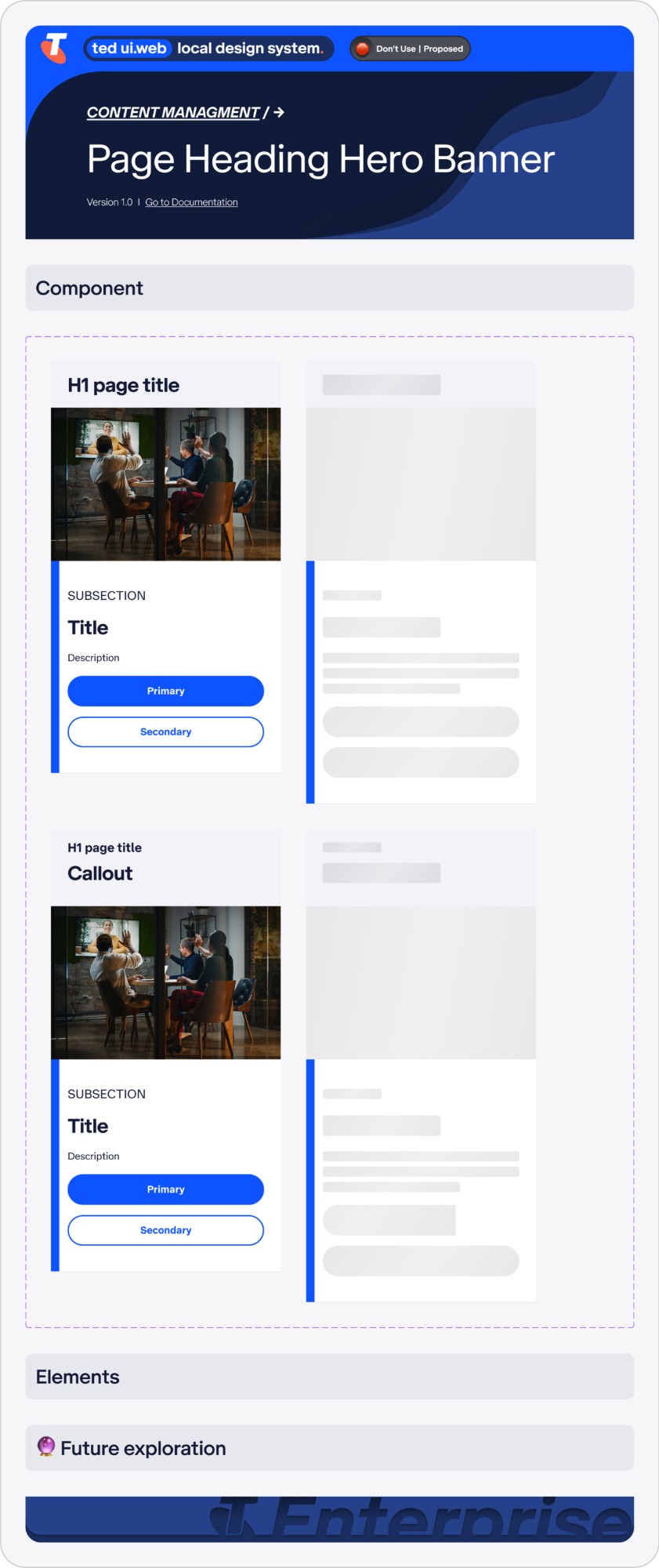
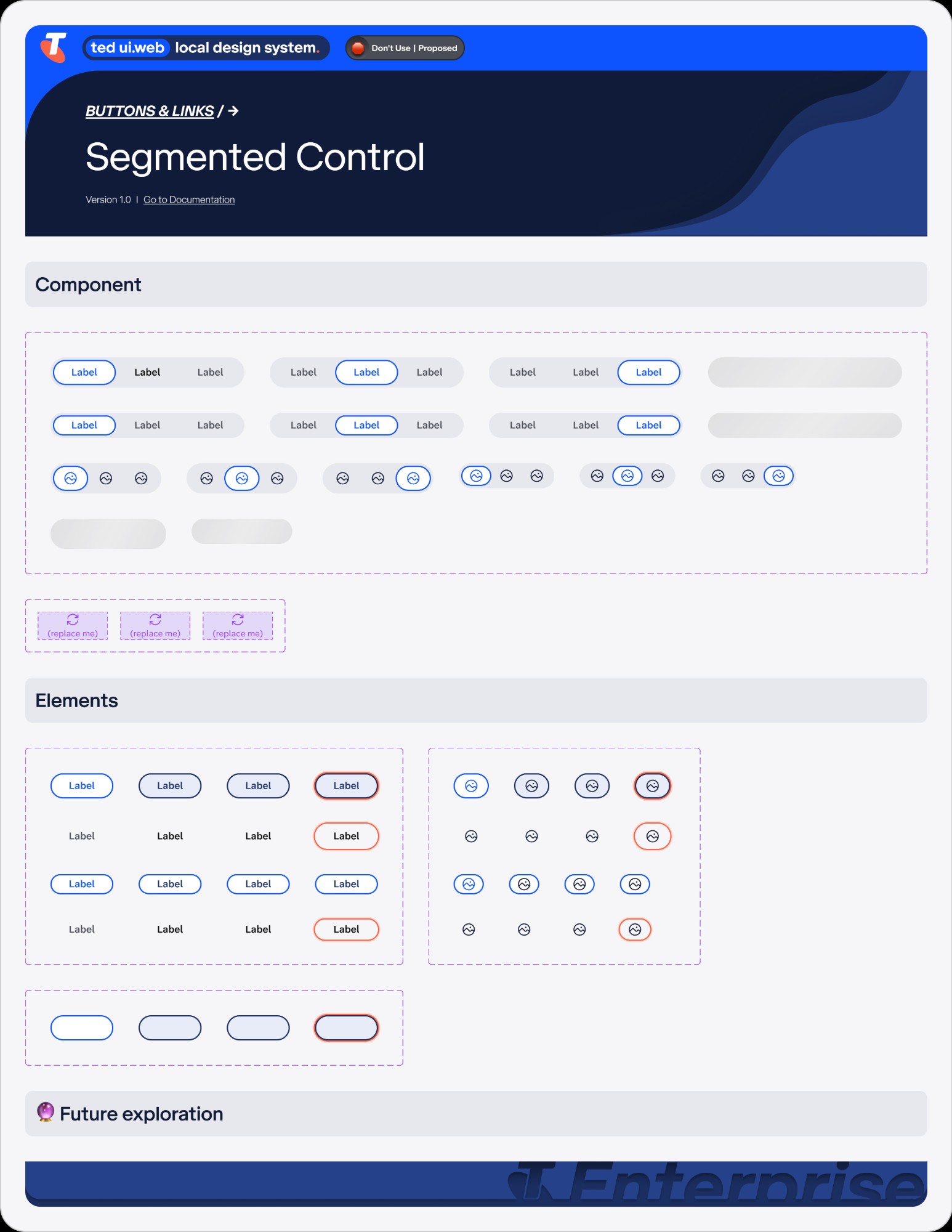
Telstra's primary design system, Able, was optimized for B2C consumer journeys on Telstra.com. The enterprise space required far more robust, data-dense, and highly functional patterns. The mismatch forced teams into a one-size-fits-all approach — constantly hacking consumer-focused components to meet complex B2B business logic.
My objective was to audit the existing ecosystem and build a scalable, sophisticated set of enterprise-grade components — TEDUI — without fracturing the core Telstra brand language.
My Role
System Architecture
Managed the enterprise design system architecture and token system across all TEDUI components and surfaces.
Component Library
Audited the consumer library to identify gaps, then created net-new, complex components tailored to enterprise workflows.
End-to-End Design
Translated systems into high-fidelity page designs — dashboards, data-management flows, and complex multi-step journeys.
Documentation & QA
Authored component guidelines for cross-functional teams. Managed handoff via Figma and Storybook with rigorous QA to WCAG AA standards.
Design
Enterprise Table System
Designing data-heavy tables that balanced high information density with visual clarity — covering filtering, multi-select, sorting, and pagination, all responsive and accessible to WCAG AA.
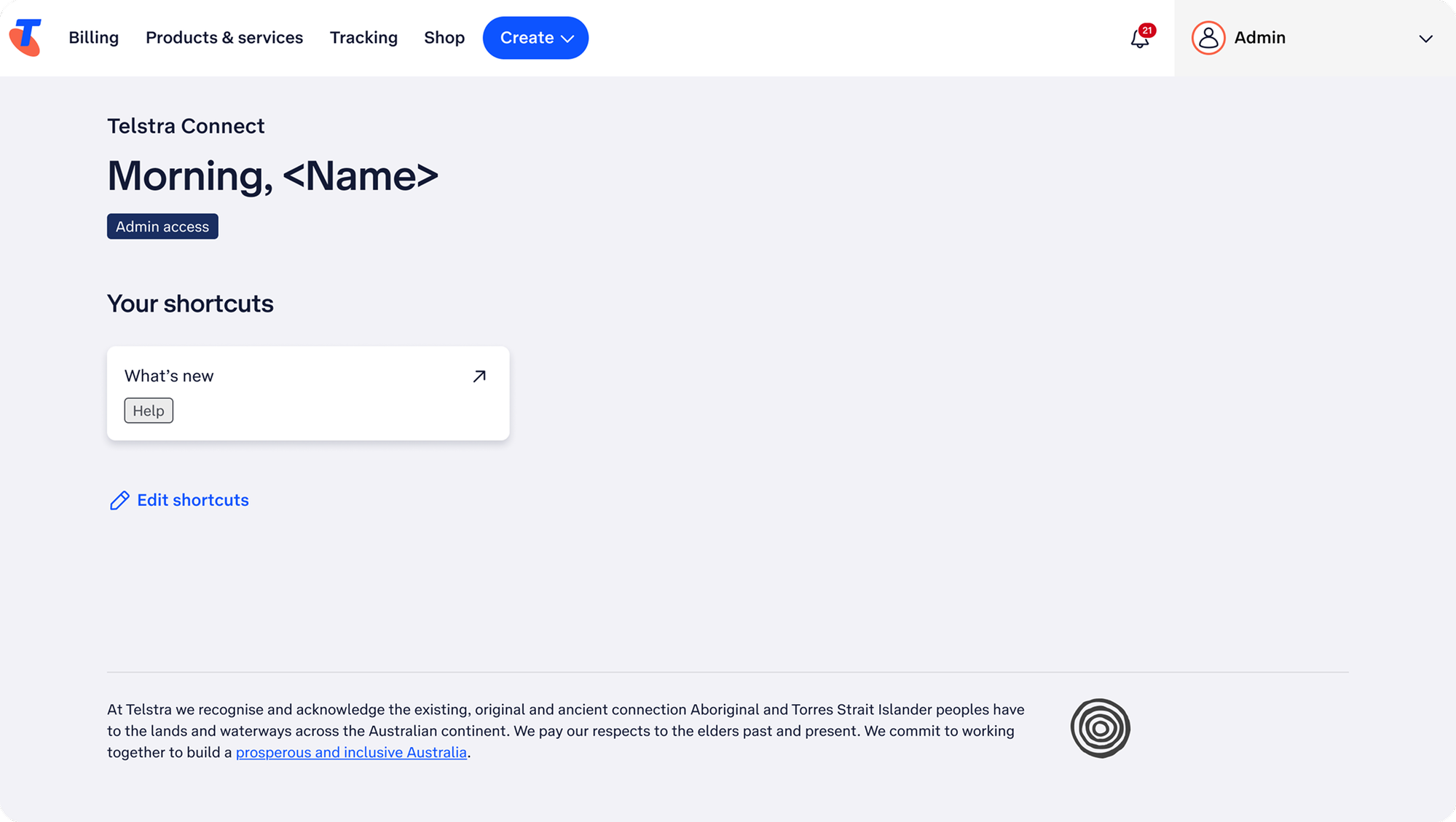
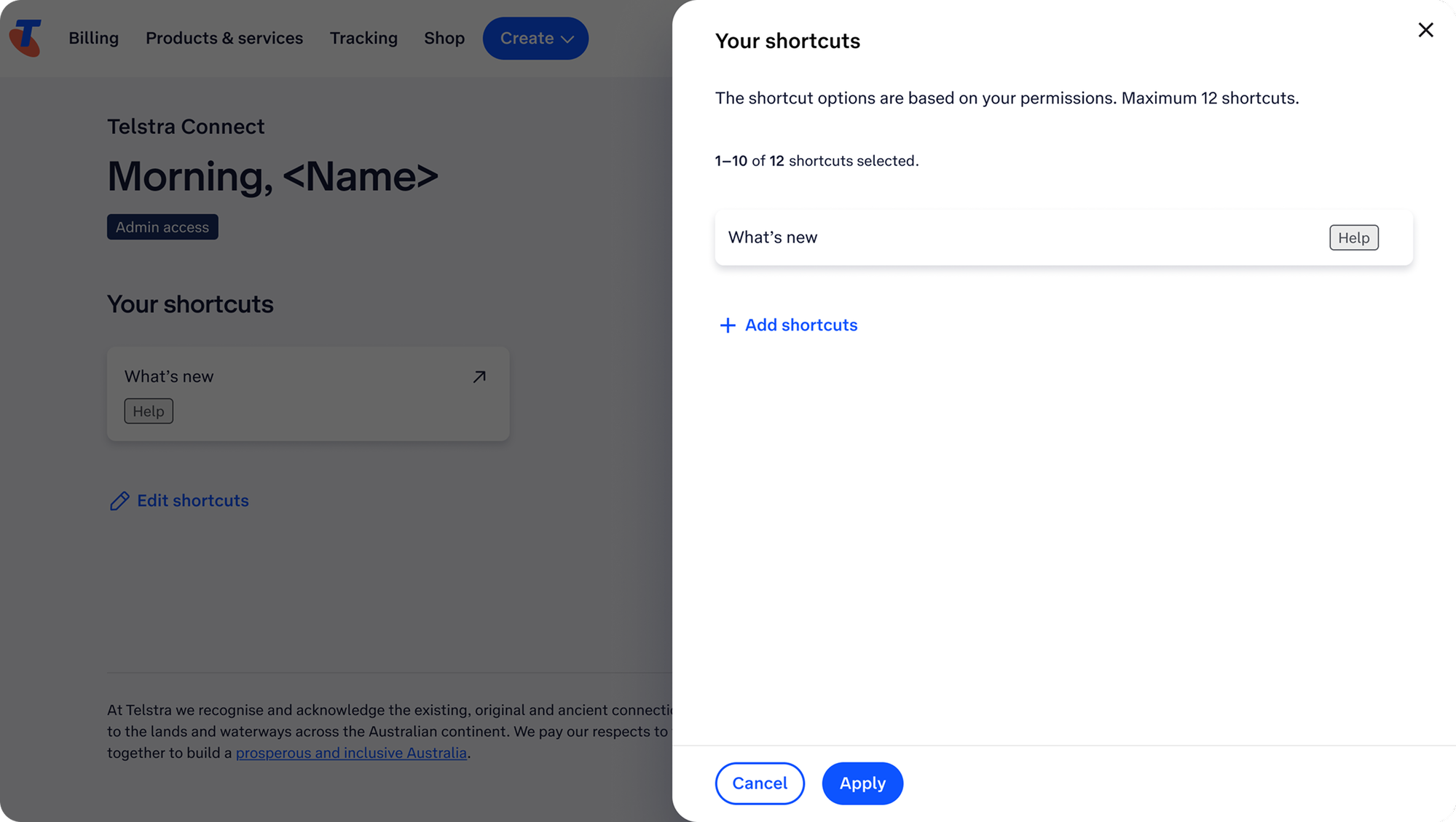
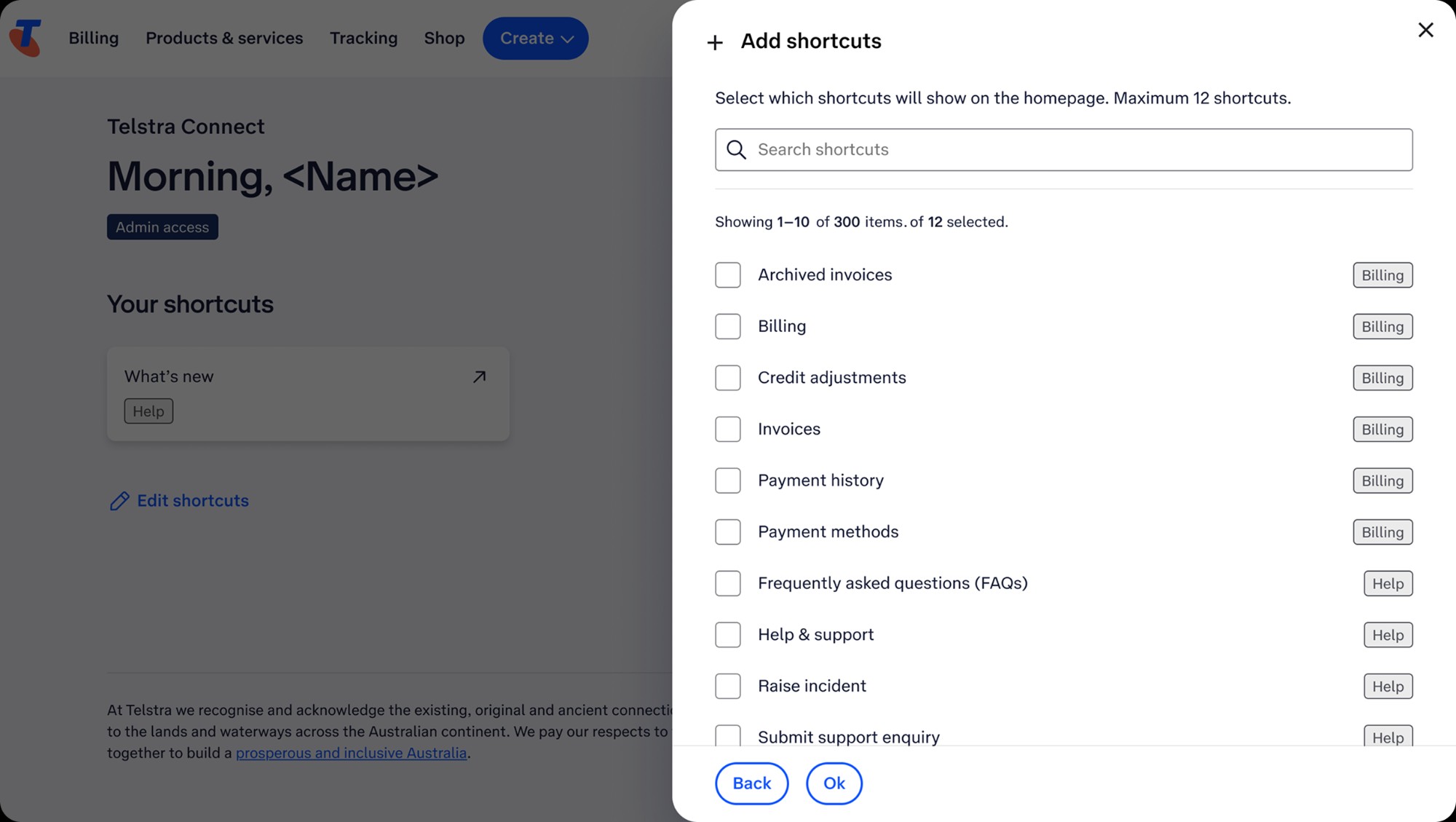
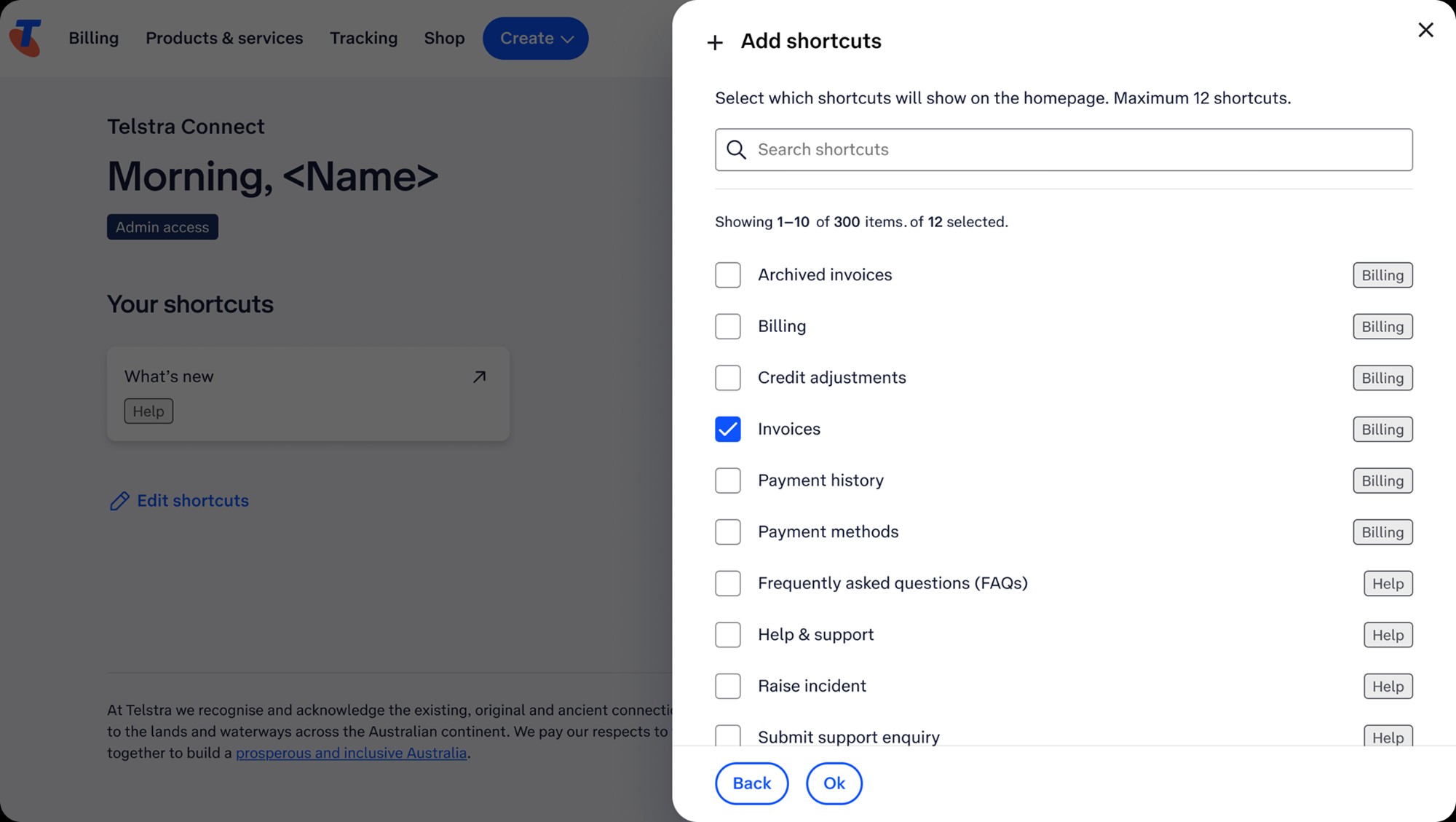
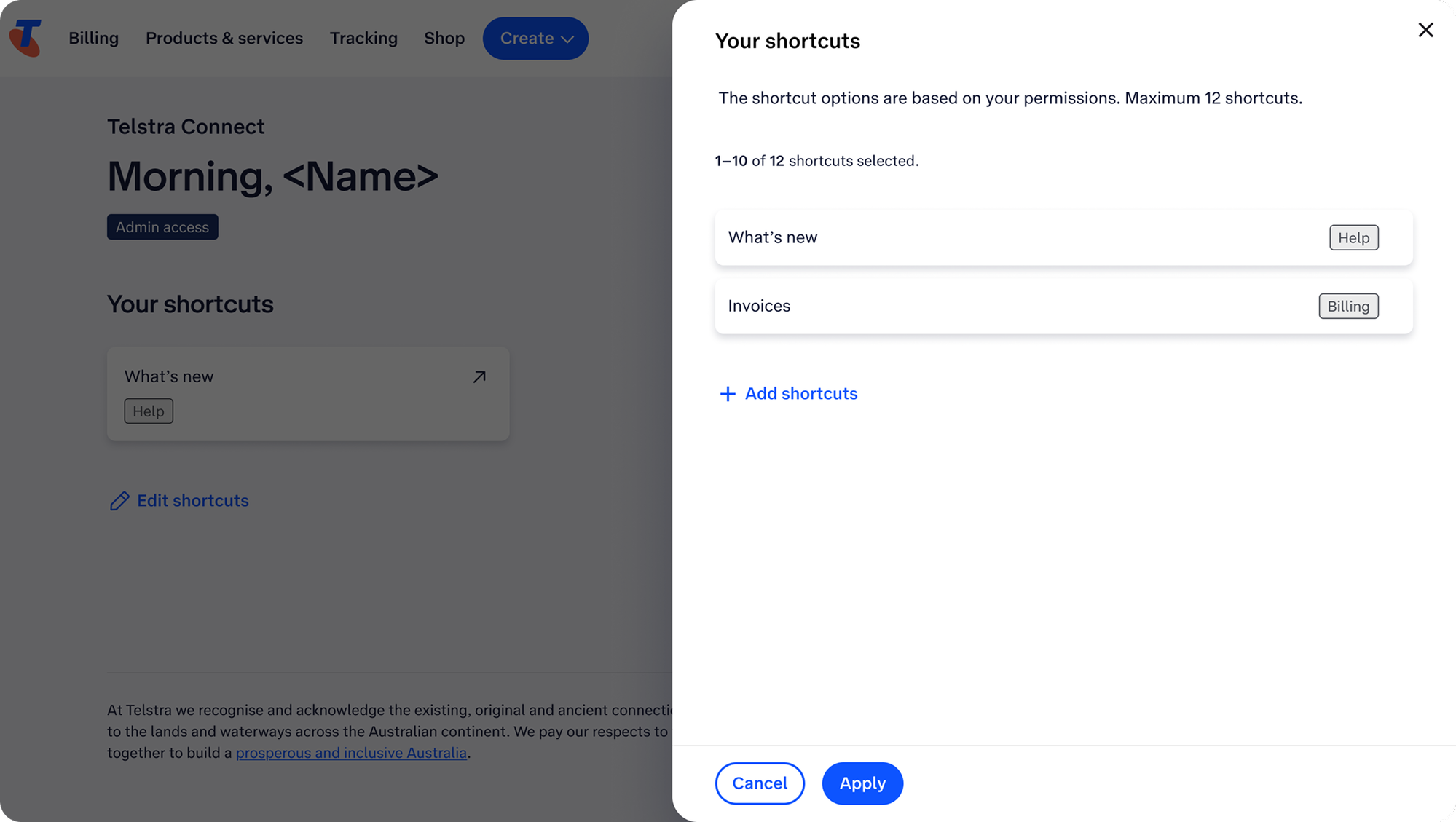
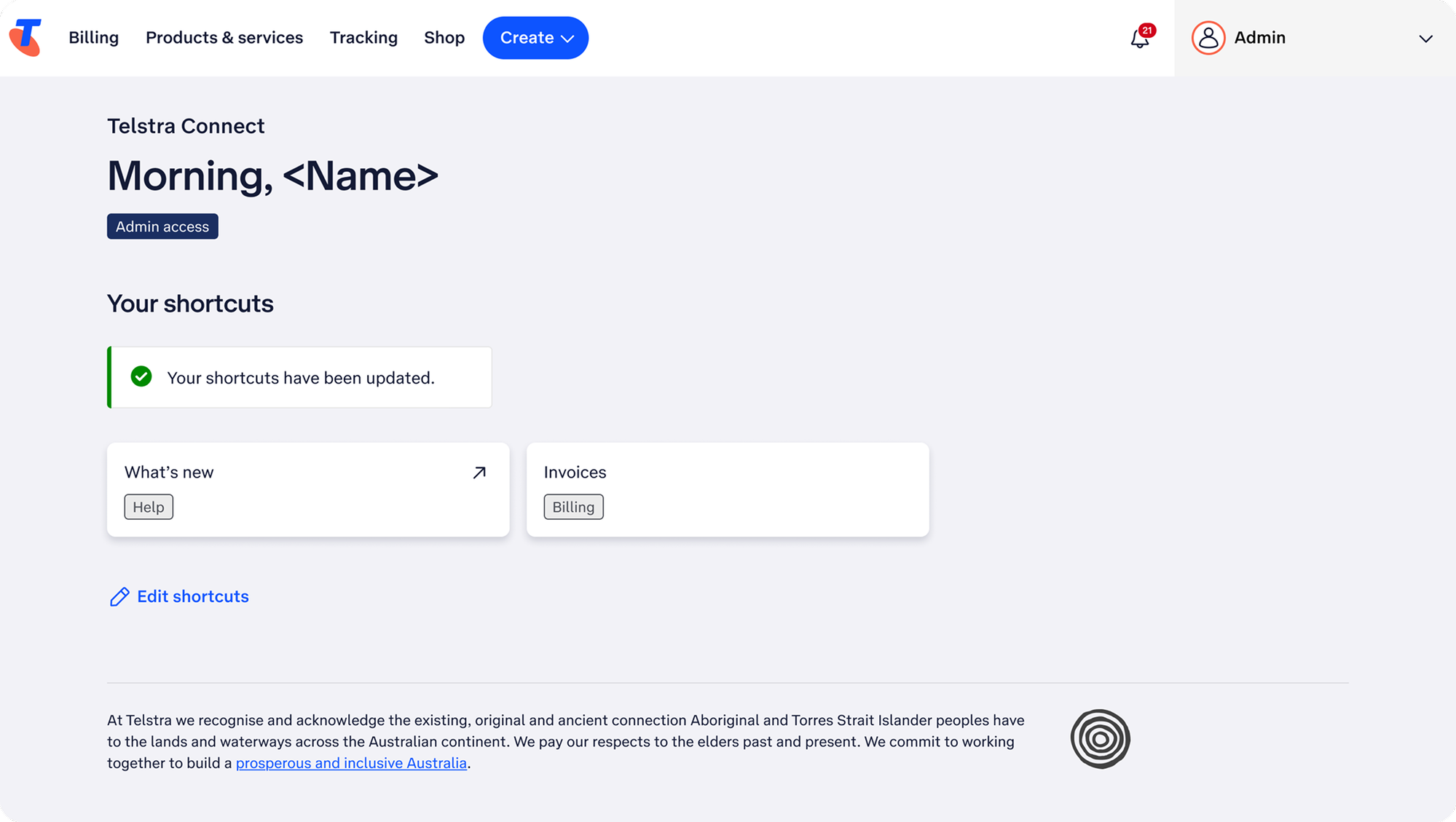
Personalised Shortcuts System
Translating complex permission structures into a clean, adaptive dashboard surface — each user surfaces exactly what they need based on their role and access level, with drag-to-reorder and a permission-scoped catalogue.
Default
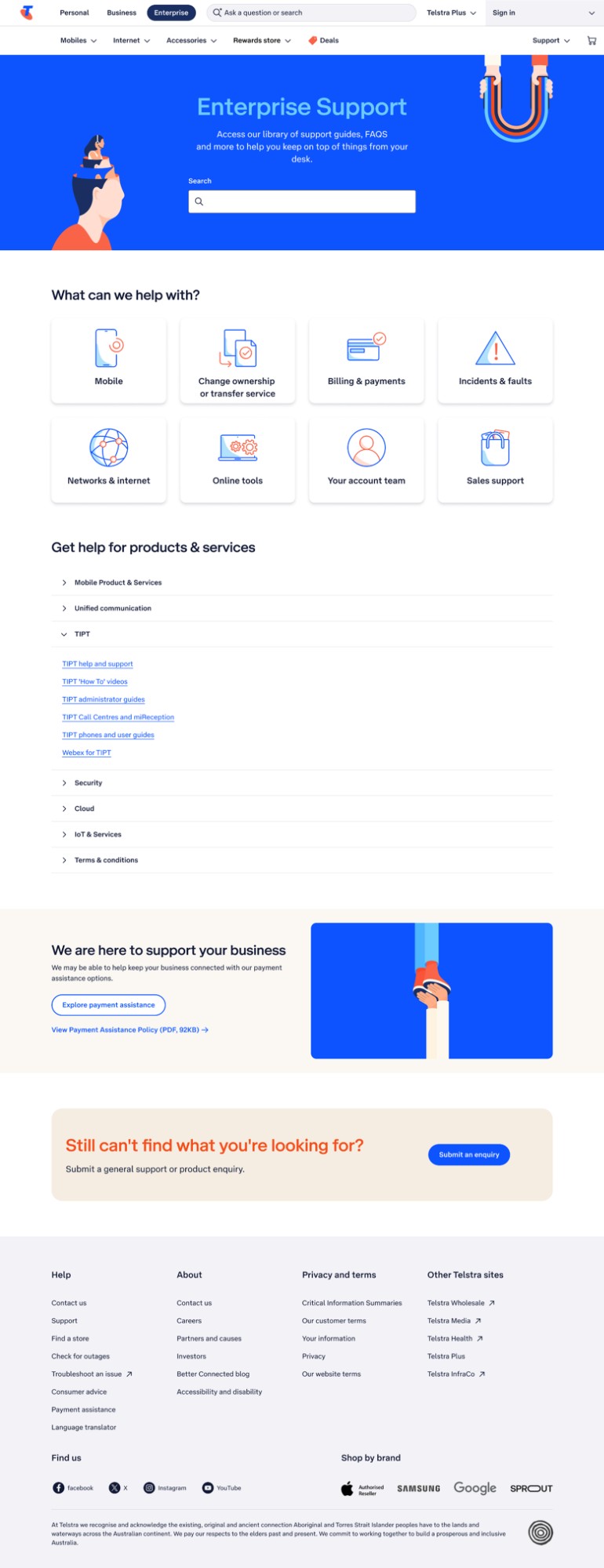
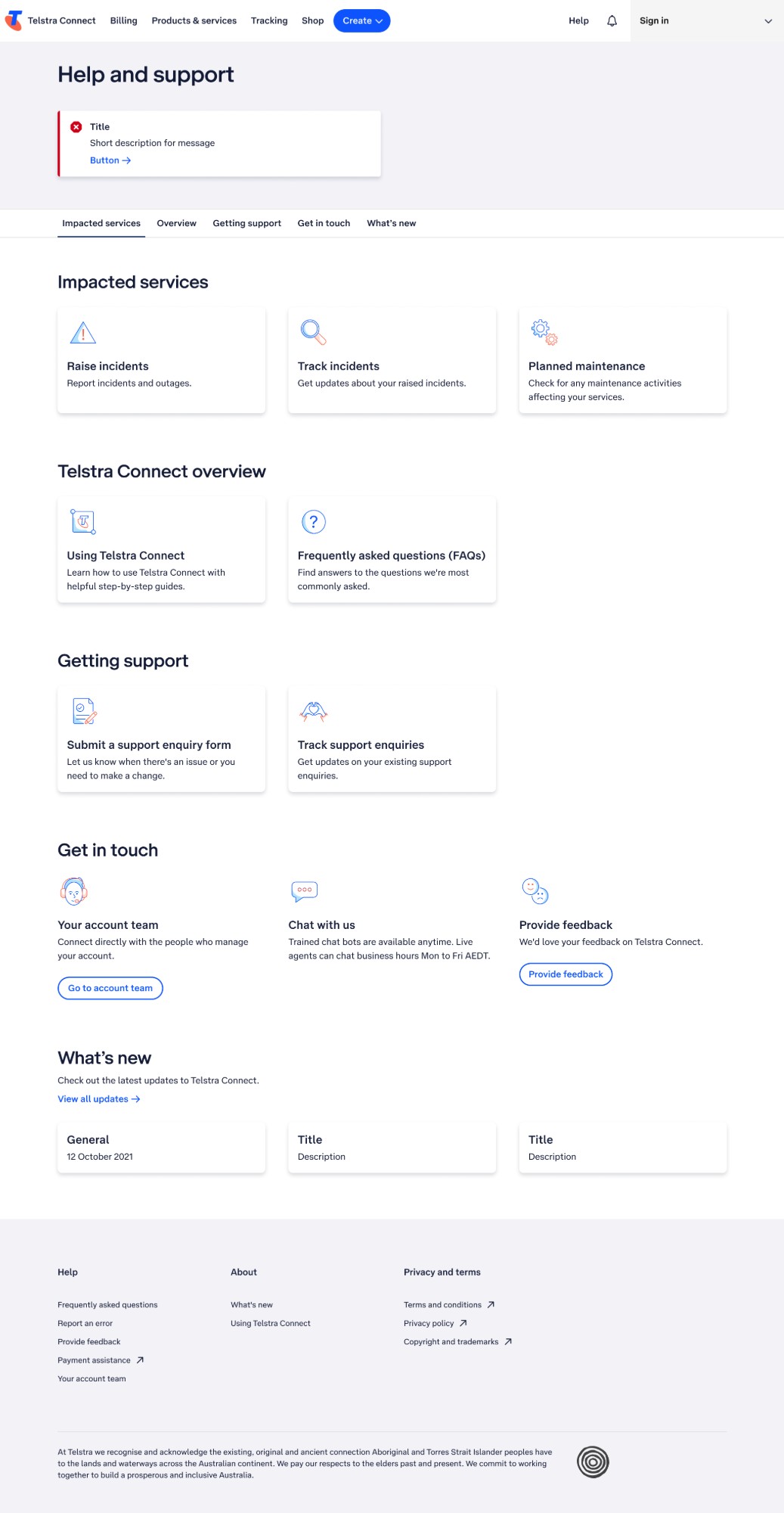
Help & Support Homepage
Redesigning one of Telstra Connect's core support destinations — applying a tile-based layout to bring structure and scannability to a previously dense page, making help categories immediately accessible.
Outcomes
+24
Point NPS increase — record highs in user satisfaction across Telstra Connect.
+40%
Year-on-year increase in lead generation from improved UX and conversion flows.
↓
Drastically reduced design iteration time for new concept pages and legacy updates.